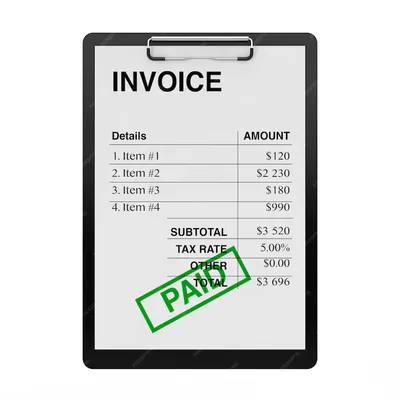

How Contractors Create Estimates and Invoices in the Field
A practical Q&A guide showing how contractors actually create estimates and invoices on the job site using mobile tools, voice, and job based workflows.
by QuickAdmin Team • 1/21/2026
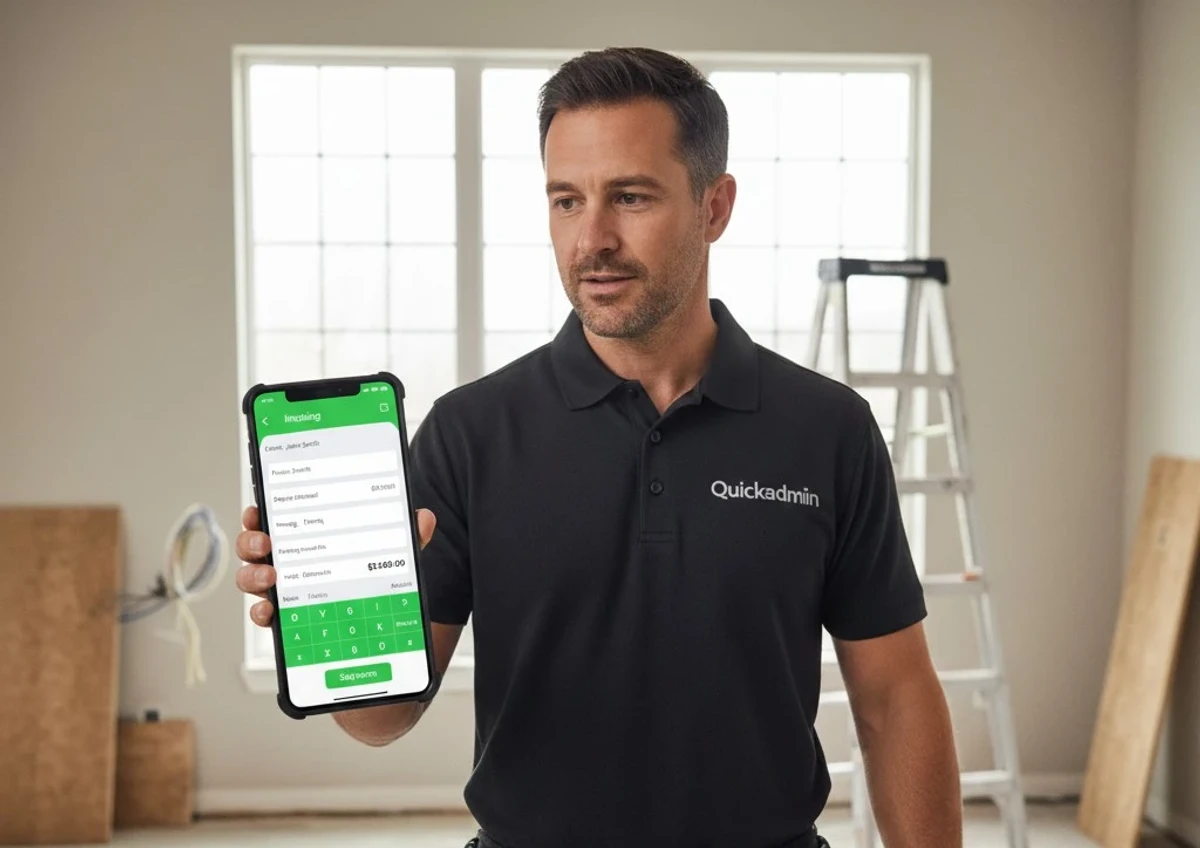
Updated: January 2026
Key Takeaways
- Field estimating prioritizes speed over perfection—refine later
- Voice invoicing replaces typing, not review
- Job-based workflows answer the question: “Did this job make money?”
- One-click estimate-to-invoice conversion eliminates re-typing errors
Who is this guide for?
This guide is designed for:
- Independent contractors working in residential and commercial construction
- Small and medium-sized contracting businesses with 1-100 employees
- Tradespeople (plumbers, electricians, HVAC technicians, landscaping, roofing) who invoice on site
- Construction business owners looking to reduce administrative overhead
How contractors actually create estimates and invoices in the field
Most software blogs explain what invoicing and estimating software should do.
Very few explain what really happens on the job site.
A contractor is standing in front of a client.
Materials change.
The signal is weak.
The job turns into two jobs.
And the invoice still needs to go out.
This guide answers the real questions contractors ask in 2026, based on how work actually happens.
Q: Can I really create an estimate while standing at the job site?
Yes, but only if the software is designed for field work.
Many platforms describe the theoretical advantages of estimating tools, but the real value shows up when you are on site, under pressure, trying to move fast. As we’ve explained when breaking down the operational benefits of modern estimating platforms, accuracy alone is not enough if the workflow slows you down.
You can see a deeper explanation of this tradeoff in our article about how estimating software supports real construction workflows:
Benefits of construction estimating software
In reality:
- Contractors start estimates on site
- Adjust them later
- And often reuse them as invoices
The practical workflow looks like this:
- Open estimate from phone
- Select job or create a quick one
- Add labor and materials roughly
- Save without sending
- Refine later or convert to invoice
💡 Insight:
Field estimating is about speed first, precision second. Software that forces perfection too early slows contractors down.
What is field invoicing and estimating?
Field invoicing is the practice of creating invoices directly at the job site, immediately after work is completed, rather than waiting until the contractor returns to the office.
Field estimating is the process of creating cost estimates while physically present at the project location, allowing for real-time assessment of materials, labor, and conditions.
Q: Can I turn an estimate into an invoice without re typing everything?
Re typing is where errors start.
One of the biggest efficiency gains comes from connecting estimates and invoices as a single workflow instead of separate documents. This is especially important for small teams that want to avoid duplicate work and billing mistakes. We cover this connection in more detail when explaining how combining estimating tools with simple invoicing reduces admin overhead.
How estimating software and free invoice tools work better together
The correct workflow is:
- Estimate approved
- One click conversion
- Invoice inherits line items, taxes, totals
Why this matters:
- Manual re entry increases billing errors
- It delays invoicing
- It breaks trust with clients
Best practice:
Estimates should be structured invoices waiting for approval, not separate documents.
Q: What if materials change after the estimate is approved?
This happens constantly:
- Home Depot is out of stock
- A different material is used
- Labor takes longer
There are two correct approaches:
- Add a change order
- Adjust the invoice before sending
What matters is:
- The original estimate remains visible
- Changes are traceable
- Clients understand the difference
Transparency reduces disputes more than discounts.
Q: Can I create invoices by voice instead of typing?
Yes, and this is one of the biggest productivity gains for contractors.
Voice workflows work best when:
- You already know what you did
- You just want it written down
- You are tired at the end of the day
A realistic voice command looks like:
“Create invoice for John Smith. Two hours labor. Replace valve. Add materials 45 dollars.”
Voice does not replace review.
It replaces typing.
Q: How do contractors manage multiple jobs at the same time?
The problem is not invoicing.
The problem is context switching.
Contractors need:
- Jobs separated
- Invoices tied to jobs
- Expenses tied to jobs
If you can’t answer “Did this job make money?”, the software failed.
Q: What if I run more than one company?
This is more common than people admit:
- Main company
- Side LLC
- Property management
- Consulting
The correct approach:
- Multi company support
- One login
- Clear separation
Multi company is not an enterprise feature anymore.
It is normal contractor reality.
Q: When should the invoice be sent?
The best time is:
- Immediately after work
- While value is still fresh
Speed beats politeness in billing.
Final thoughts
Contractors do not need more features.
They need less friction.
The best estimating and invoicing tools:
- Work offline
- Work from the phone
- Reduce typing
- Preserve job context
- Adapt to real work
If software does not fit the job site, it does not fit the business.
FAQ
What is the fastest way for contractors to invoice clients?
The fastest way is to generate invoices directly from approved estimates or by using voice input immediately after completing the job, while details are still fresh.
Is voice invoicing reliable for contractors?
Yes. Voice invoicing is reliable for creating draft invoices, which can then be reviewed and adjusted before sending to the client.
Why should invoices be tied to jobs?
Linking invoices and estimates to jobs allows contractors to track profitability, control expenses, and avoid mixing costs between different projects.
Do contractors really need multi company support in invoicing software?
Yes. Many contractors operate more than one legal entity or business line, and multi company support ensures clear data separation while using a single login.
Do professional and well structured invoices get paid faster?
Yes. Clear scope, detailed descriptions, and timely delivery reduce payment disputes and significantly improve payment speed.