
Free Estimate Software for Contractors | Quote & Invoice
Create contractor estimates free with QuickAdmin. See a real quote example, Free plan limits (6 estimates / 3 invoices per month), and how to convert an approved estimate into an invoice.
by Eng. José Manuel Siso Colmenares • 4/10/2025 · Updated: 9/22/2026

Free Estimate Software for Contractors
Updated: 2026-09-22
Contractors lose jobs when quotes arrive late; and lose money when quotes are vague. Free estimate software for contractors should do three things fast: price the job clearly, send a professional PDF, and convert the approved quote into an invoice without rebuilding the line items.
Create a free estimate → · Create a free invoice → · See Free plan limits →
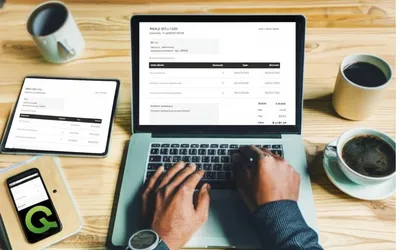
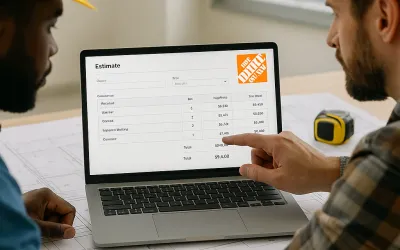
Real contractor estimate example
Here is the kind of quote clients actually approve, not a feature list.
Job: Handyman Home Repair Demo · Customer: Taylor Demo · Orlando, FL
Terms: 25% deposit after approval (balance due on completion) valid 14 days
| Item | Qty | Rate | Total |
|---|---|---|---|
| Drywall patch labor | 2 | $75 | $150 |
| Interior door adjustment labor | 1 | $75 | $75 |
| Shelf installation labor | 2 | $75 | $150 |
| Repair materials and shelf hardware | 1 | $75 | $75 |
| Approved add-on | Cabinet handle installation | 1 | $75 | $75 |
| Estimate total | $525.00 |
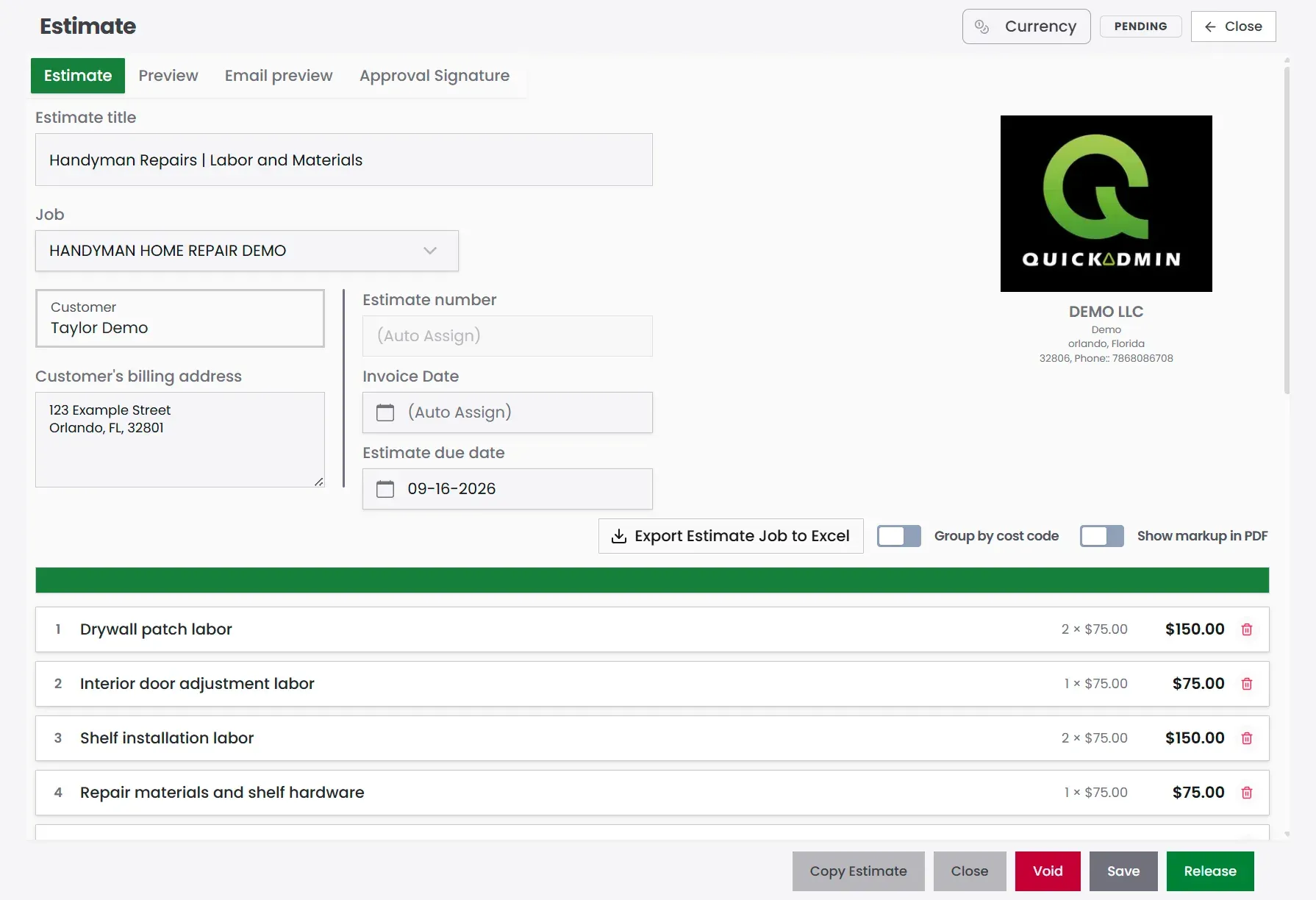
What makes this usable as quoting software for contractors:
- Scope is readable in plain English.
- Labor and materials are separate lines.
- Add-ons are visible (the total moved from $450 to $525 for a reason).
- The same job can become an invoice after approval.
What free estimate software should include
| Need | Why it matters | On QuickAdmin Free |
|---|---|---|
| Clear line items | Clients approve faster | Yes |
| Client + job details | Quotes stay organized | Yes (2 jobs, unlimited clients) |
| PDF / send | Professional delivery | Yes |
| Convert estimate → invoice | Avoid retyping | Yes (within invoice limit) |
| Mobile / PWA | Quote from the field | Yes |
| Status tracking | Know what is pending | Yes |
| Automatic overdue reminders | Chase late payments | Basic and up |
| Integrated online payments | Pay-by-link | Basic and up |
| Unlimited estimates / invoices | Growing volume | Basic and up |
QuickAdmin Free plan (verified)
- Estimates: 6 per month
- Invoices: 3 per month
- Users: 1
- Jobs: 2
- Clients: unlimited
- AI-powered invoice generator with voice dictation
- Bills/expenses tracking: 5 per month
Full details: QuickAdmin pricing.
Start free → create your first estimate →
Who this is for
Free contractor estimate software fits crews that need speed more than enterprise job costing:
- Landscapers sending seasonal quotes
- Plumbers pricing service calls and fixture installs
- Roofers with per-square material breakdowns
- Drywall installers quoting sheets, mud, and labor
- Painters and handymen juggling small jobs
- Solo operators without an office admin
If you need deep job costing, purchase orders, and change-order profit tracking across many open jobs, see the fuller workflow guide: estimate software for contractors (job costing).
How to create a contractor estimate in QuickAdmin
- Sign up for the Free plan (no payment details required).
- Create the job and select or add the client.
- Add line items; labor, materials, travel, markup.
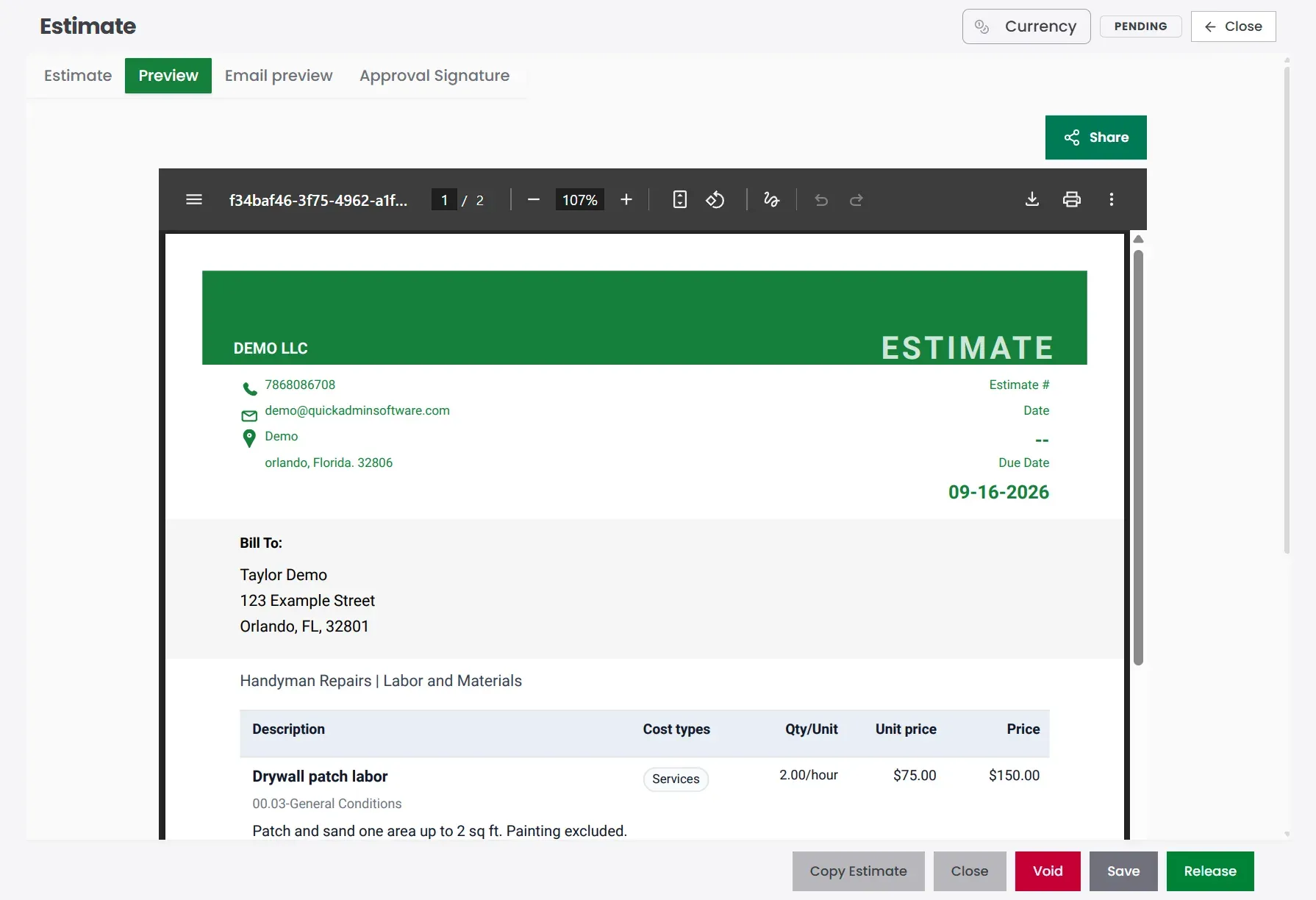
- Preview the PDF and check Bill To, due date, and totals.
- Send the estimate.
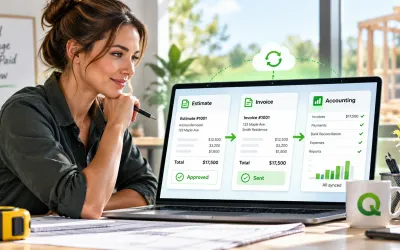
- When approved, convert to invoice and send the bill.
- Track status from the invoices list; follow up by invoice number.
Need the billing side next? Use the free invoice generator or the step-by-step guide how to make an invoice. After you send, track invoice payments.
Estimate vs invoice (and why both belong in one tool)
| Estimate | Invoice | |
|---|---|---|
| When | Before the work | After a milestone or completion |
| Job | Win the work at a clear price | Get paid for what was approved |
| Core fields | Scope, labor, materials, terms | Invoice #, due date, amount due, payment instructions |
| QuickAdmin | Free: 6/month | Free: 3/month |
The win is conversion: approved line items become the invoice. That is how you stop rewriting the same job twice.
Trade examples (what to put on the quote)
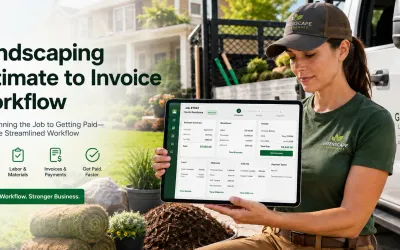
Landscaper: mulch area, sod, tree trim, labor hours, seasonal notes. Recurring schedules and automatic payment reminders are paid-plan features (Free still covers the quote itself).
Drywall: sheets, mud, tape, waste %, labor hours, commercial vs residential notes. For the full workflow, see the drywall estimate-to-invoice playbook. To compare platforms, see best drywall estimating software.
Plumber: labor, fixtures, pipe, callout fee, tax, parts markup. Templates save time on repeat service calls.
Roofer: per-square shingles, underlayment, flashing, cleanup, weather delay notes.
Painter / handyman: prep, coats, surfaces, small-repair bundles, approved add-ons as separate lines.
From free estimate to invoice
Once the client agrees:
- Open the approved estimate.
- Convert it to an invoice (adjust only what changed).
- Send PDF or share from QuickAdmin.
- Record payments and keep the balance visible.
- For open balances, use your invoice tracker or invoices list weekly.
Integrated pay-by-link and automatic overdue reminders are on Basic and higher; not Free. Free still lets you create, send, and track status within the monthly limits.
Limitations of free plans (and when to upgrade)
Free plans usually cap:
- Estimates and invoices per month
- Users and open jobs
- Automation (reminders, online payments)
Workaround on Free: use it for smaller jobs, one-off clients, or to prove the workflow before upgrading. Upgrade when you regularly hit 6 estimates or 3 invoices in a month, need multiple users, or want automatic reminders.
FAQ
Can I really run my business using free estimate software?
Yes at low volume. QuickAdmin Free includes 6 estimates and 3 invoices per month. Upgrade when those caps block daily work.
What’s the difference between estimate software and invoice software?
Estimates quote the job. Invoices collect payment. QuickAdmin connects both so you convert without rewriting.
Does free estimate software include automatic payment reminders?
Not on QuickAdmin Free. Reminders and integrated online payments are on Basic+. Status tracking is available on Free within limits.
Can I use free estimate software on mobile?
Yes; QuickAdmin is a Progressive Web App for phone and tablet.
Do I need technical skills?
No. Client, line items, preview, send.
Start free, grow when volume grows
If you are still writing estimates in Word or on paper, create one professional quote this week, convert it when approved, and keep the Free limits in mind so expectations stay honest.
If you are starting on the Free plan, this guide covers limits, a real quote example, and converting an approved estimate into an invoice. Related guides:
- Estimate → invoice loop: free estimate to free invoice workflow
- Feature checklist: features worth having in a free estimating tool
- Pros, cons, and when to upgrade: when free estimate tools are enough
- Job costing across the full job: estimate software for contractors
Create your first free estimate →
Create a free invoice →
Track what’s unpaid →